I shipped my first chatbot in 2019. It had 47 nodes, 12 fallback branches, and a dedicated Confluence page just to explain the flow. Three months later a customer asked it to change a delivery address and it replied with our return policy. That was the last flow-bot I ever built.
The debate around AI agent vs chatbot has sharpened considerably in 2026. Not because the definitions changed, but because the gap between them did. MCP (the Model Context Protocol) handed bots the same tool-calling stack that agents have always had. Today, the line between a "chatbot" and an "agent" is mostly a question of how many MCP tools you wire in.
AI Agent vs Chatbot: The Real Technical Distinction
The popular answer is that agents act while chatbots respond. That is mostly right, but it misses the mechanism. The actual technical dividing line is tool access.
A traditional chatbot is read-only. It retrieves information from a knowledge base, formats it, and returns it. It cannot write to a database, cannot book a meeting, and cannot send an email. The moment a user needs the bot to act rather than just answer, it hits a wall.
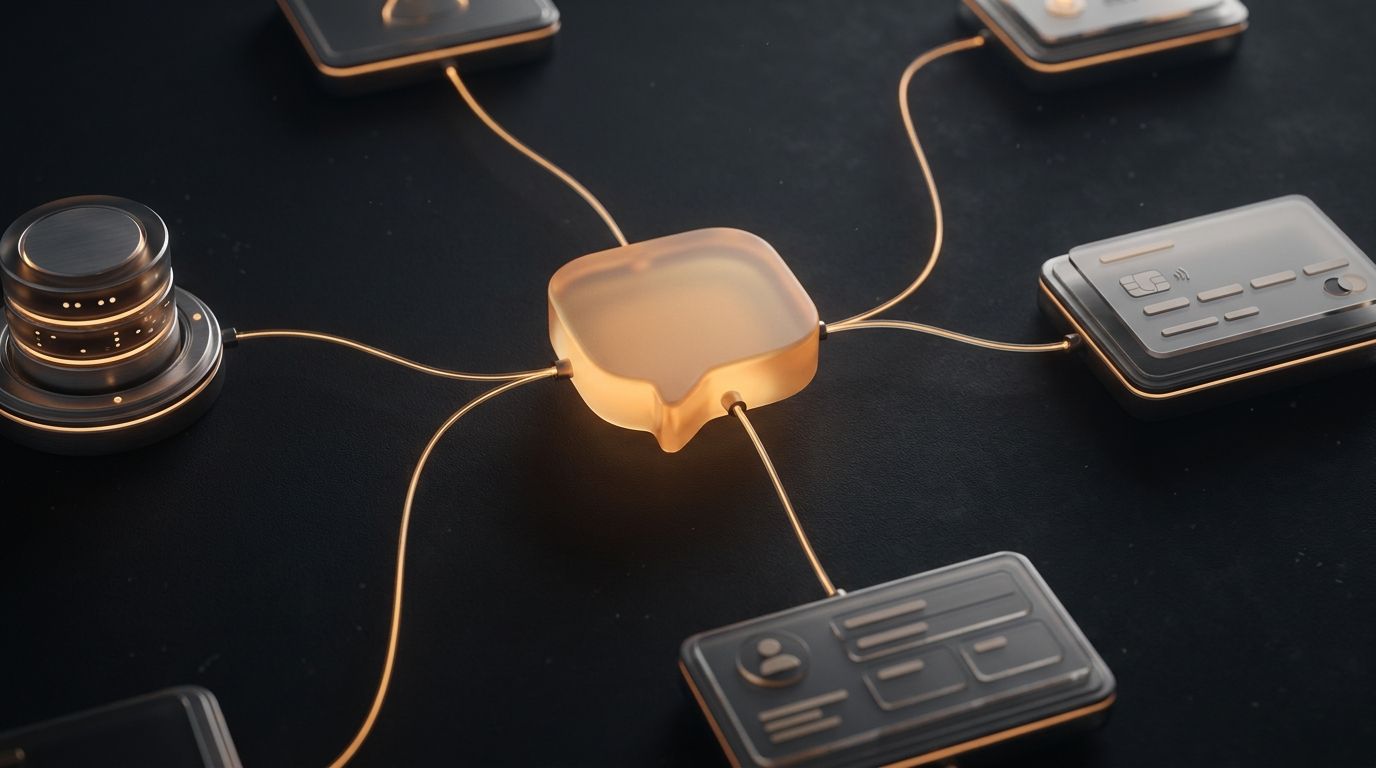
An AI agent has tools. It can read and write. It orchestrates multi-step sequences. It decides which tools to call in which order based on the goal, not a pre-mapped flow. MCP is the standard that lets any LLM-backed bot gain this capability without custom integration work.
| Traditional Chatbot | MCP-Orchestrated AI Agent | |
|---|---|---|
| Knowledge access | Read-only (RAG / KB lookup) | Read + write via MCP tools |
| Task scope | Single-turn Q&A | Multi-step goal completion |
| Behavior definition | Flow chart / intent map | System prompt + tool list |
| Edge case handling | Requires a new branch per case | LLM reasons through novel inputs |
| Integration depth | Static API calls, pre-wired only | Dynamic MCP calls, composed at runtime |
| Maintenance burden | High: every change means new nodes | Low: update system prompt or swap MCP |
| Platform deployment | Per-platform rebuild often needed | One bot to Discord, Slack, Telegram, WhatsApp |
Three Generations of Bot Architecture
To understand why MCP chatbot architecture is different, it helps to see how we got here. I think about it in three generations.
Gen 1. Static bots. Keyword matching and decision trees. The bot recognized patterns and followed pre-built paths. Fast to build for narrow use cases and brittle everywhere else. I spent more time maintaining the flow than building it.
Gen 2. RAG bots. Vector search plus LLM. The bot retrieved relevant documents and generated a natural language answer. Real improvement for Q&A, but still read-only. It could tell you your order shipped. It could not reschedule it.
Gen 3. MCP-orchestrated agents. The LLM has a tool-calling layer backed by MCP servers. It decides at runtime which tools to call, in what order, and how to compose the results. The difference between Gen 2 and Gen 3 is not incremental. It is the read-only wall, removed.
How an MCP Chatbot Actually Works
Here is a concrete walkthrough. A customer support bot is connected to a workspace with three MCP servers: customer database, order management, and shipping API.
Three tool calls. Zero pre-built branches. There is no hard-coded path for 'order not found'. The LLM reads the MCP response and reasons through the edge case in real time. It handles cancelled orders, changed addresses, and international exceptions without a single extra node in any flow diagram.
The Flowchart Explosion Problem
Every edge case in a flow-based system is a new branch. A mid-tier support bot needs to handle: order not found, order cancelled, multiple orders, shipping address changed, international delivery, missing tracking, and the customer pivoting to a refund request mid-flow.
That is not seven branches. That is seven multiplied by every combination of upstream states. A production flow-bot for a real e-commerce store can easily have 200+ nodes. Teams assign a dedicated bot-maintainer. Every new product line means another sprint of new branches.
An MCP chatbot handles all of those scenarios from one system prompt. When the product line expands, you update the prompt. You do not rebuild the flow.
Building a Gen 3 MCP Chatbot on Aerostack
Here is what the actual build looks like. I start in the Aerostack dashboard, create a new bot, and write a system prompt:
You are a customer support agent for Acme Shop.
You have access to: customer-db MCP, order-mgmt MCP, shipping MCP.
Always identify the customer before looking up orders.
If tracking is unavailable, offer to escalate to a human agent.
Tone: friendly, concise, no jargon.
That is it. No nodes. No branches. Connect the three MCP servers in the workspace panel and deploy to Discord, Telegram, WhatsApp, Slack, and your website simultaneously. One bot definition, five channels.
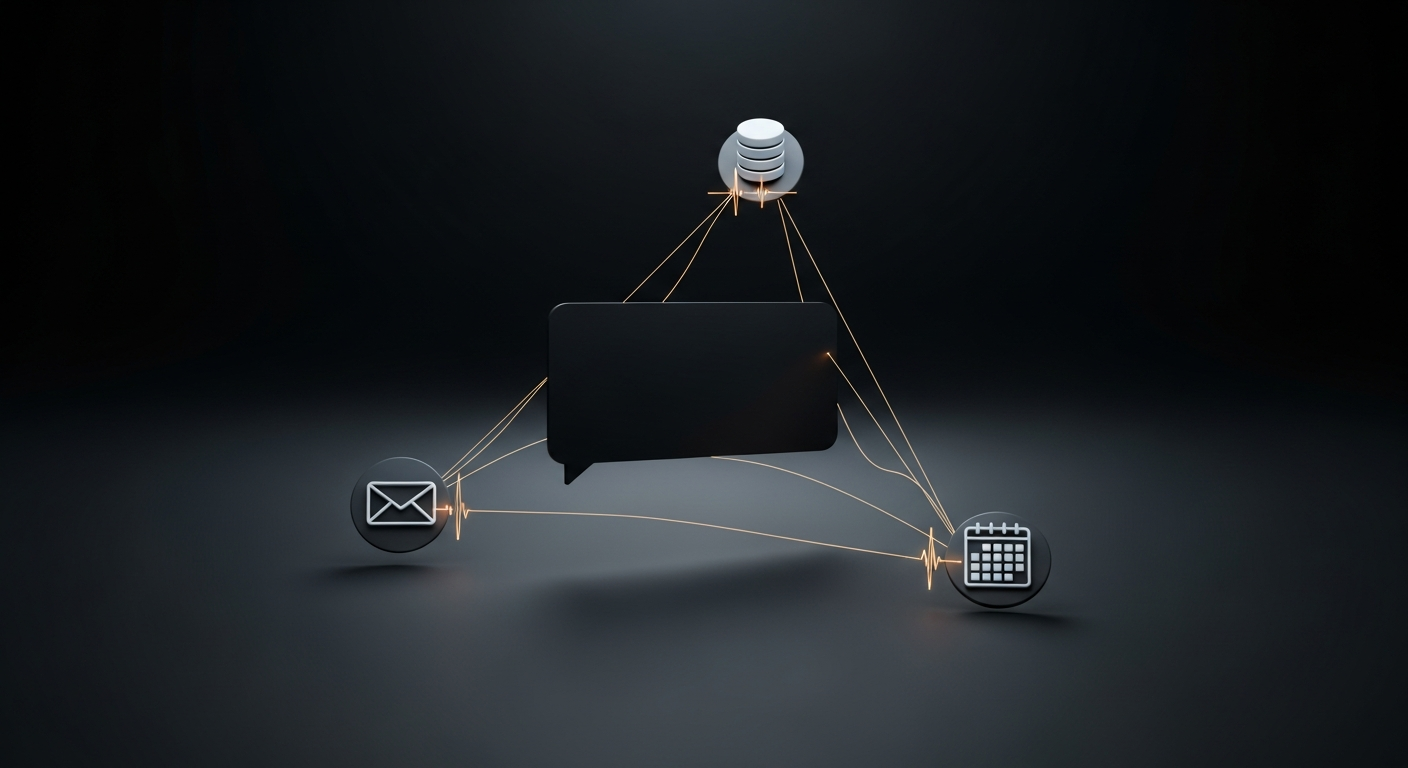
A real scenario I like to demo: a customer messages the bot asking to reschedule a meeting with Sarah to next Wednesday and confirm by email. With calendar and email MCPs connected, the bot will check the calendar for the meeting, look up Sarah's contact, find next Wednesday's availability, reschedule the meeting, draft the email, and send it. Six tool calls, none of them hard-coded in that sequence. The LLM composed it because the goal required it.
The Aerostack MCP: connect your bot to your workspace tools, APIs, and data without writing a single node.
When to Use a Chatbot vs an AI Agent
The framing of chatbot or agent implies a hard choice. In practice with MCP it is a dial. Here is how I think about it:
| Use case | Right tool | |
|---|---|---|
| FAQ / knowledge base Q&A (read-only) | Read-only, single-turn | Gen 2 RAG bot |
| Product recommendations | Read + catalogue lookup | Gen 2 or 1-MCP bot |
| Order status lookup | Read from order DB | 1-MCP bot |
| Order modification or returns | Write to order DB | Gen 3 MCP bot |
| Multi-step booking flow | Calendar + CRM + email writes | Gen 3 MCP agent |
| Internal ops automation | DB + Slack + calendar + code | Full MCP agent |
| 24/7 customer support at scale | Read + write + multi-channel | Gen 3 MCP bot on Aerostack |
Going Further: Platform Tutorials
Once you understand the architecture, the fastest path is to ship a bot on a specific platform. The Discord MCP bot in 5 minutes guide walks through the end-to-end build with Aerostack's AI chatbot builder. If Slack is your platform, the Slack bot with MCP tools post covers the same pattern with a different adapter.
For the workspace setup that powers these bots, see Aerostack Workspaces. Every MCP server you connect there is automatically available to every bot in the workspace.
FAQ
AI agent vs chatbot: common questions
What is the difference between an AI agent and a chatbot?
A chatbot answers questions. It retrieves information and formats a response. An AI agent acts: it calls external tools, writes to systems, and completes multi-step tasks autonomously. With MCP, the line blurs. An MCP chatbot can be given write-capable tools that push it into agent territory without changing the underlying bot architecture.
What is an MCP chatbot?
An MCP chatbot is a conversational AI that uses the Model Context Protocol to call external tools and services mid-conversation. Instead of a hard-coded flow, the LLM decides which MCP servers to call at runtime. This enables it to look up data, update records, send messages, or take any action exposed by a connected MCP.
Do I need an AI agent or a chatbot for customer support?
If your support is pure Q&A (returns policy, FAQs, product info), a RAG chatbot is sufficient. If users need to modify orders, book appointments, check real-time inventory, or take any action during the conversation, you need an MCP-capable bot. Functionally it is an AI agent in a chat interface.
Can a chatbot become an AI agent by adding MCP tools?
Yes. That is precisely what Gen 3 architecture does. A bot that gains write-capable MCP tools crosses into agent territory. Aerostack's workspace model lets you add MCP servers to any bot without rebuilding it. The LLM gains new capabilities as you connect tools.
How many MCP servers can a bot use at once?
There is no hard ceiling imposed by the protocol. Practical limits come from LLM context length and latency. A bot calling 20 tools in a single response will be slow. Most production bots use 3 to 6 MCP servers per workspace. Aerostack's workspace model keeps tool access scoped so bots only see relevant MCPs.
Is an MCP bot safe to give write access to production systems?
MCP servers expose only the operations you define. You control the API surface. A shipping MCP can allow read-only tracking queries while blocking status updates. Always use least-privilege: expose only the operations the bot actually needs for its role.